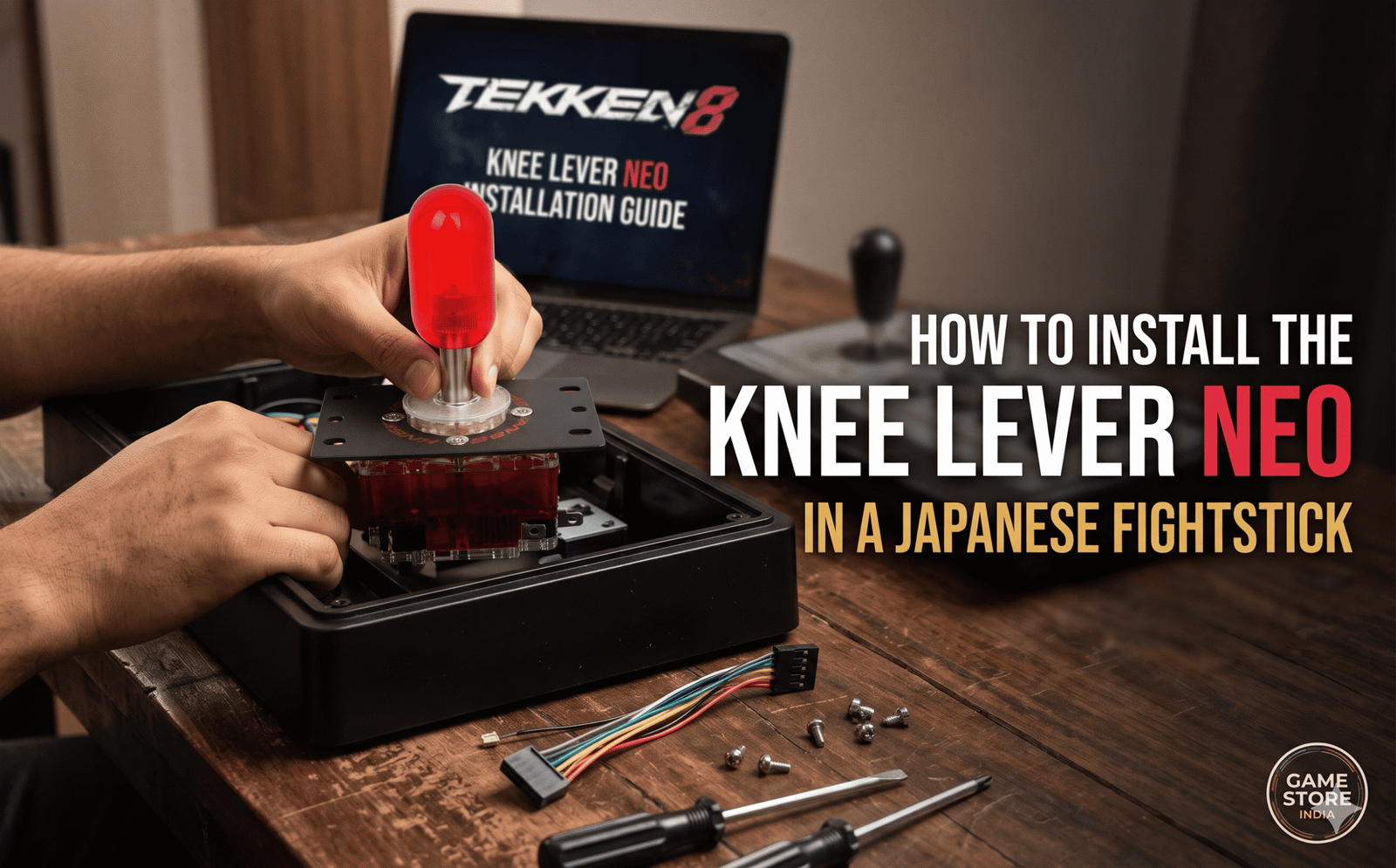
If you are playing TEKKEN 8 on a standard commercial arcade stick like the Qanba Drone 2, Hori Fighting Stick Alpha, or Razer Panthera, you are currently using a Japanese-style lever (typically a Sanwa JLF or Hori Hayabusa). While these are excellent for 2D games, Tekken players usually prefer the rapid, springless snap-back of a Korean lever for flawless Korean Backdashing (KBD) and wavedashing.
The Knee Lever Neo by Crown/Samducksa is arguably the most popular Korean lever in the world right now. But a lot of players in India hesitate to buy one because they are afraid that “modding” their arcade stick requires power tools, soldering, or drilling.
Good news: The Knee Lever Neo is designed with a low-profile collar, meaning it is a direct, tool-free drop-in replacement for almost every modern Japanese fightstick. Here is exactly how to install it in under 15 minutes.
What You Need Before You Start
Step-by-Step Installation Guide
1.Open Your Arcade Stick Case:2 mins.
Flip your arcade stick over and place it on a flat table. Using your Phillips-head screwdriver, remove the screws holding the bottom metal or plastic plate in place. Store the screws safely in a small bowl so they do not roll away. Lift the plate off to expose the internal wiring.
2.Remove the Old Joystick Handle:Prerequisite: Flathead Screwdriver.
Before you can unscrew the lever body, you must take off the top handle. Look at the very bottom of the joystick’s metal shaft inside the case—you will see a small flat slot. Insert your flathead screwdriver into this slot to lock the shaft in place. While holding the screwdriver steady, use your other hand to twist the balltop (the handle on the outside) counter-clockwise until it pops off.
3.Disconnect the Stock Lever:1 min.
Locate the 5-pin cable connected to your old Sanwa or Hori lever. Gently pull the white plastic connector straight out to unplug it. Next, unscrew the four main screws holding the lever’s metal mounting plate to the arcade stick casing. Lift the entire old lever assembly out.
4.Mount the Knee Lever Neo:2 mins.
Take your new Knee Lever Neo and place it exactly where the old lever sat. Ensure the microswitches are facing the correct orientation (usually, the switch with the slightly different hybrid metal hinge should face “Up” towards the top of the case). Align the holes on the Neo’s mounting plate with the screw posts in your case and securely fasten the four screws.
Verification: The lever base should sit perfectly flush against the mounting bracket without any wobbling when you apply pressure.
5.Connect the Conversion Harness:Crucial Wiring Step.
Because Korean levers use separate microswitches, you cannot plug your old 5-pin cable directly into them. Take your 5-Pin to .187 Conversion Harness. Plug the 5-pin female end into your arcade stick’s original 5-pin cable. Then, slide the metal .187 spade connectors onto the prongs of the four microswitches on the Knee Lever Neo. (It comes with a ground daisy-chain wire that connects to one prong on every switch, while the colored wires go to the remaining prongs).
Verification: Tug gently on each metal spade connector; they should be firmly gripped onto the microswitch prongs and not slide off easily.
6.Attach the Capsule Bat Top:1 min.
Feed the new metal shaft through the top of your arcade stick. Just like in Step 2, lock the bottom of the shaft with your flathead screwdriver, and twist the Knee Lever Neo’s capsule bat top onto the threading tightly. Seal your case back up!
Testing Your Inputs (Important!)
Before you jump into a ranked match, open Tekken 8 and go to Practice Mode. Turn on your Command History display.
-
Tap Up, Down, Left, Right and ensure the directions match the screen perfectly. (If Left and Right are swapped, you simply plugged the harness wires into the wrong microswitches—just open the case and swap those two wires!).
-
Test a rapid Korean Backdash to feel the bounce of the custom 30+ tension grommet.
(Pro Modding Tip: Since you already have your case open, this is the perfect time to upgrade your stock action buttons to genuine Sanwa OBSF-30 Push Buttons for zero-lag inputs.)
Where to Buy the Knee Lever Neo in India
Importing arcade parts usually comes with massive DHL shipping fees and unpredictable 42% customs duties. At Game Store India, we import in bulk so you do not have to.
👉 Order the authentic Knee Lever Neo here and get rapid pan-India delivery!